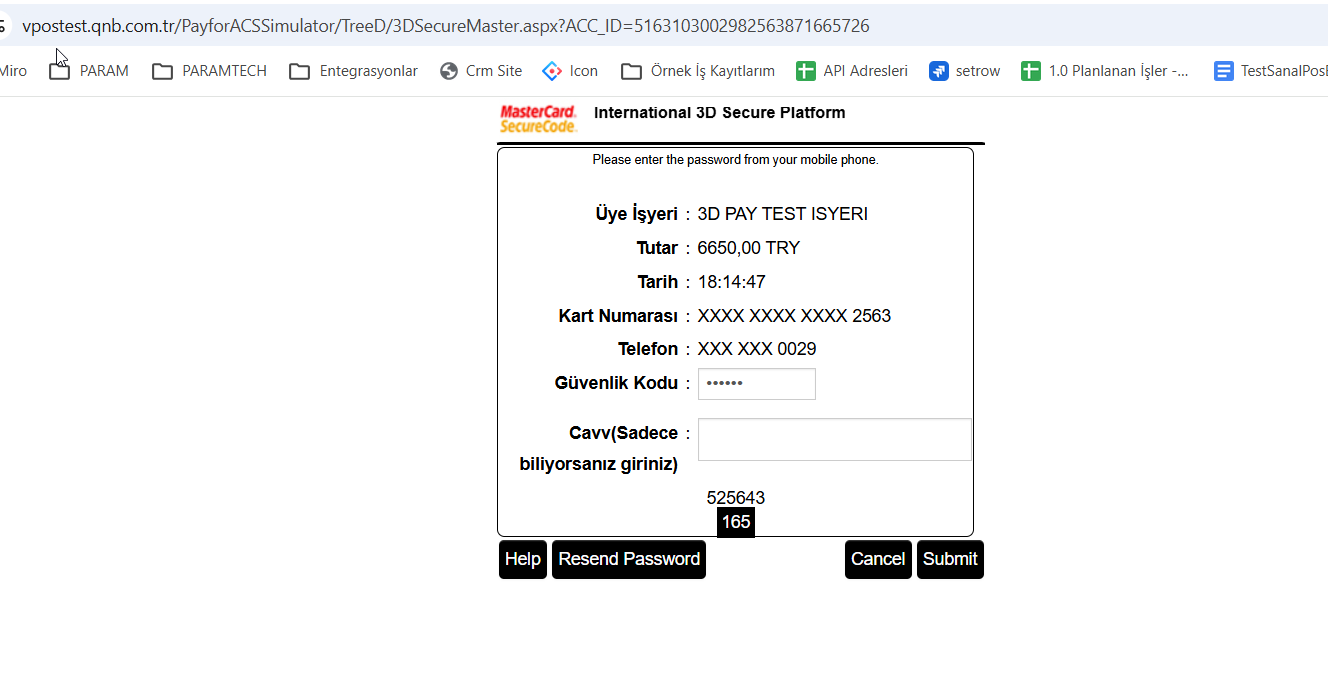
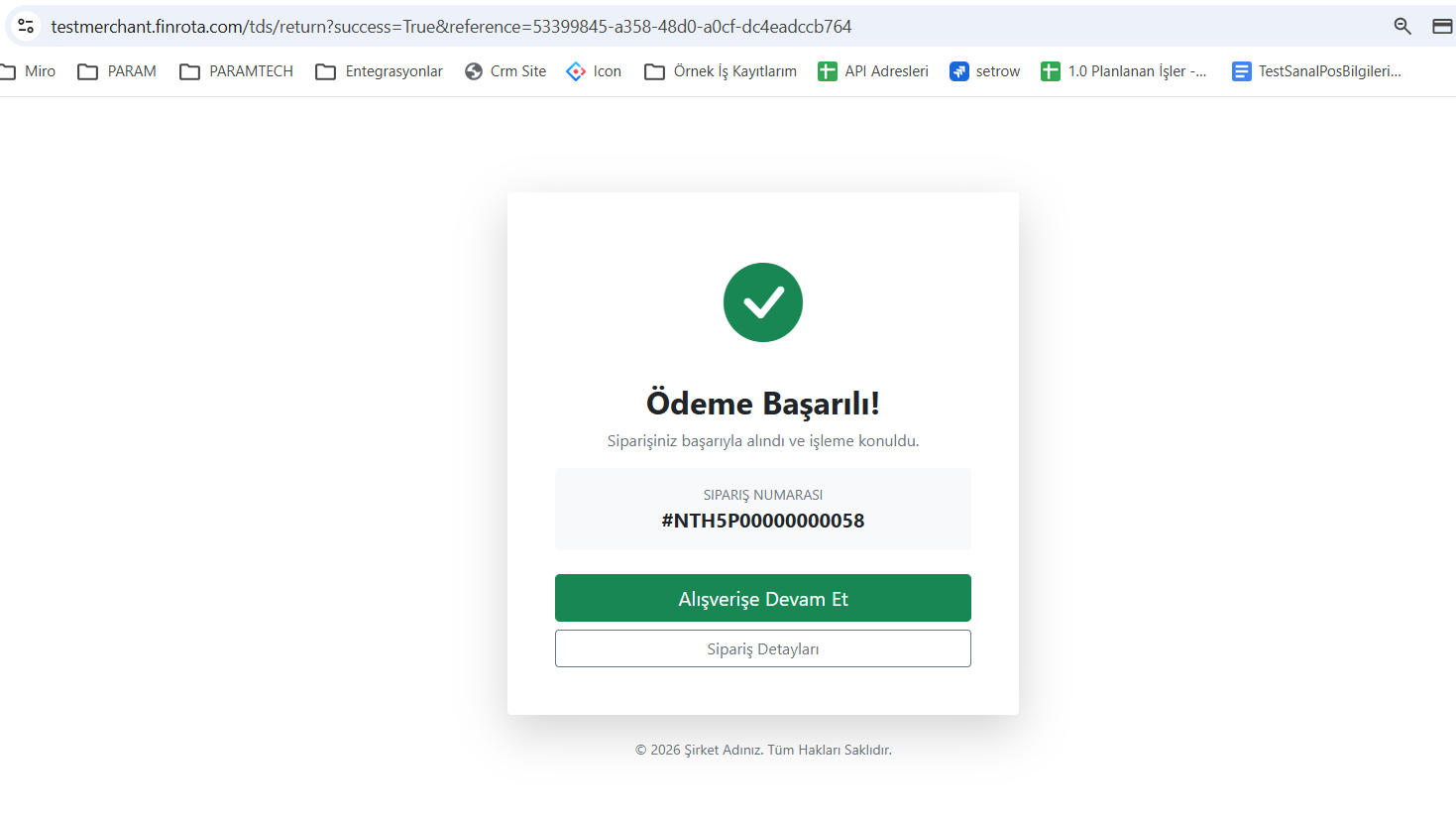
13. Screenshots of Widget Flow
1 – AccessToken is Purchased (Backend)
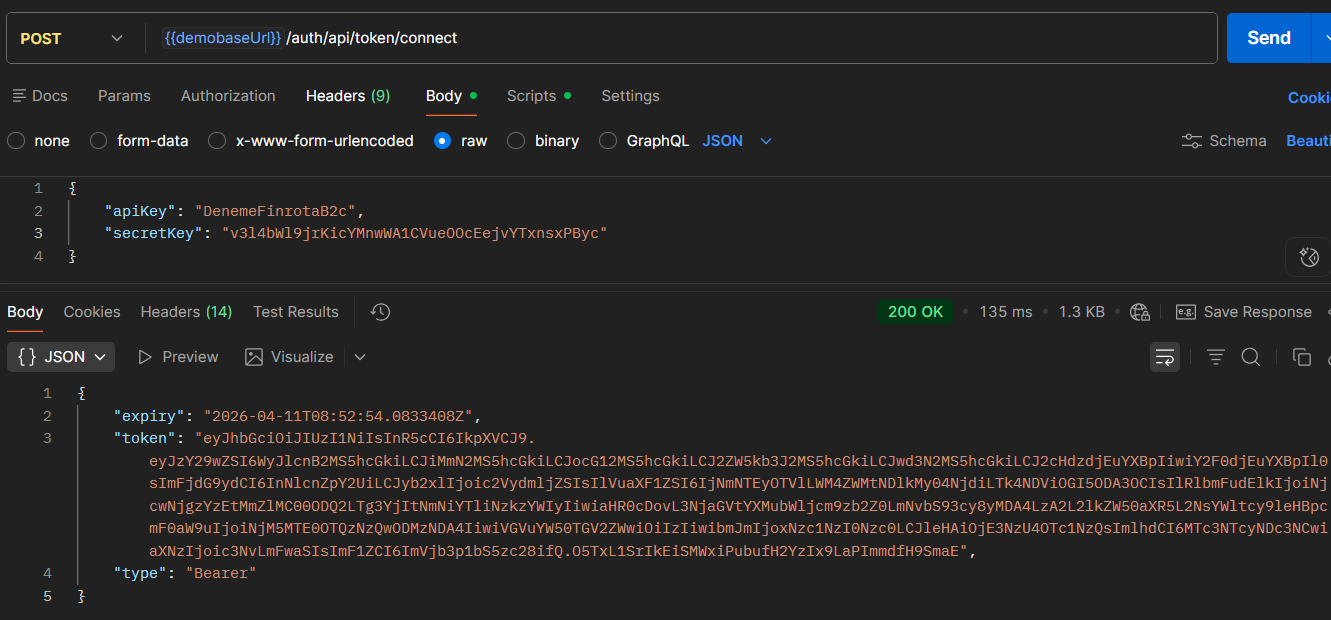
2 – WidgetToken is Generated (Backend)
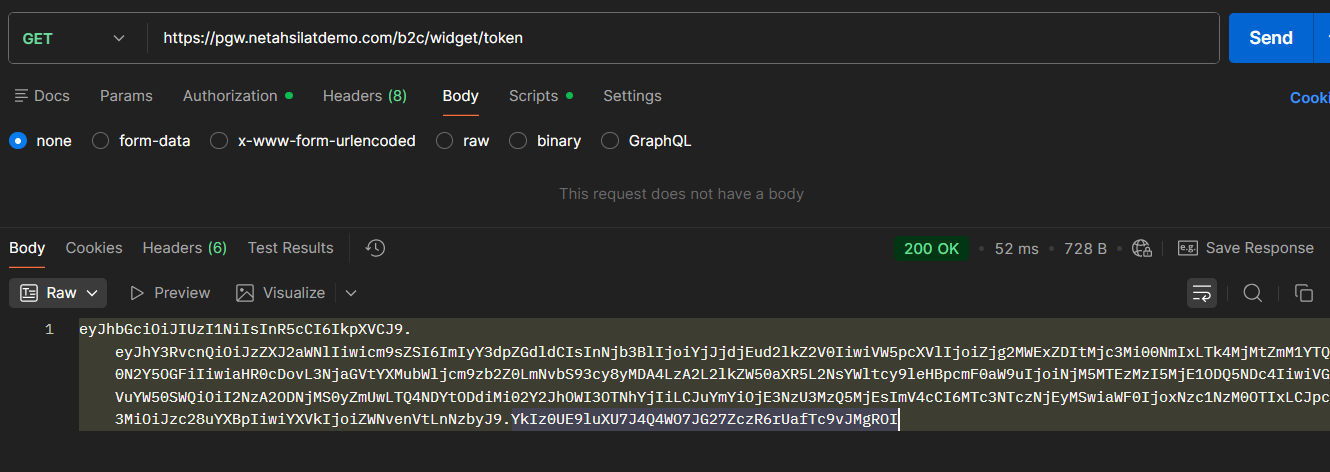
3 – Widget is Transferred to Frontend
WidgetToken generated by the backend is transmitted to the frontend.
4 – Widget Starts (Frontend)
FinrotaPay.init({
   token: "WIDGET_TOKEN",
   amount: 2750,
   currency: "TRY",
   mode: "modal",
   containerId: "payment-container",
   environment: "prod"
});
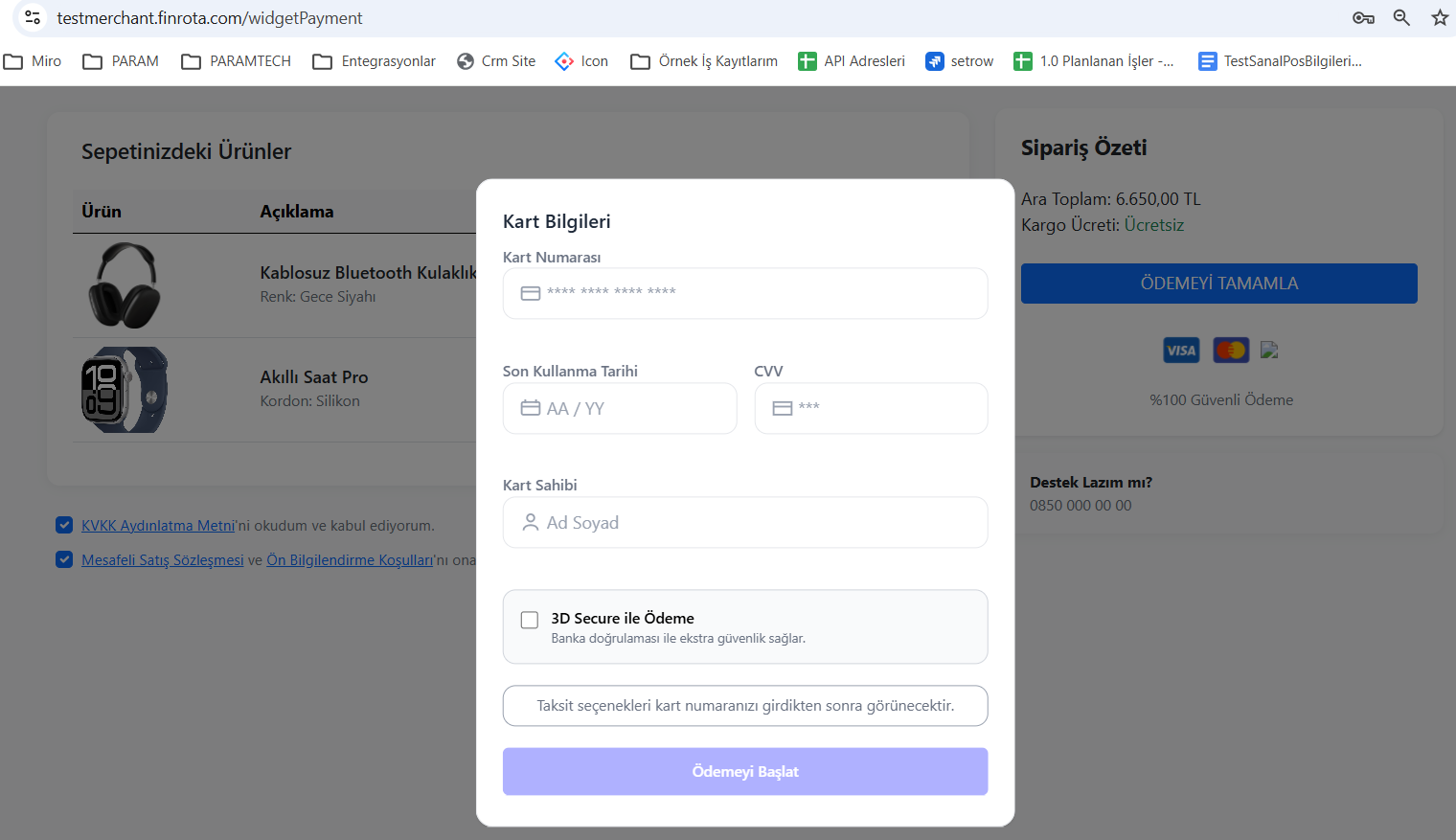
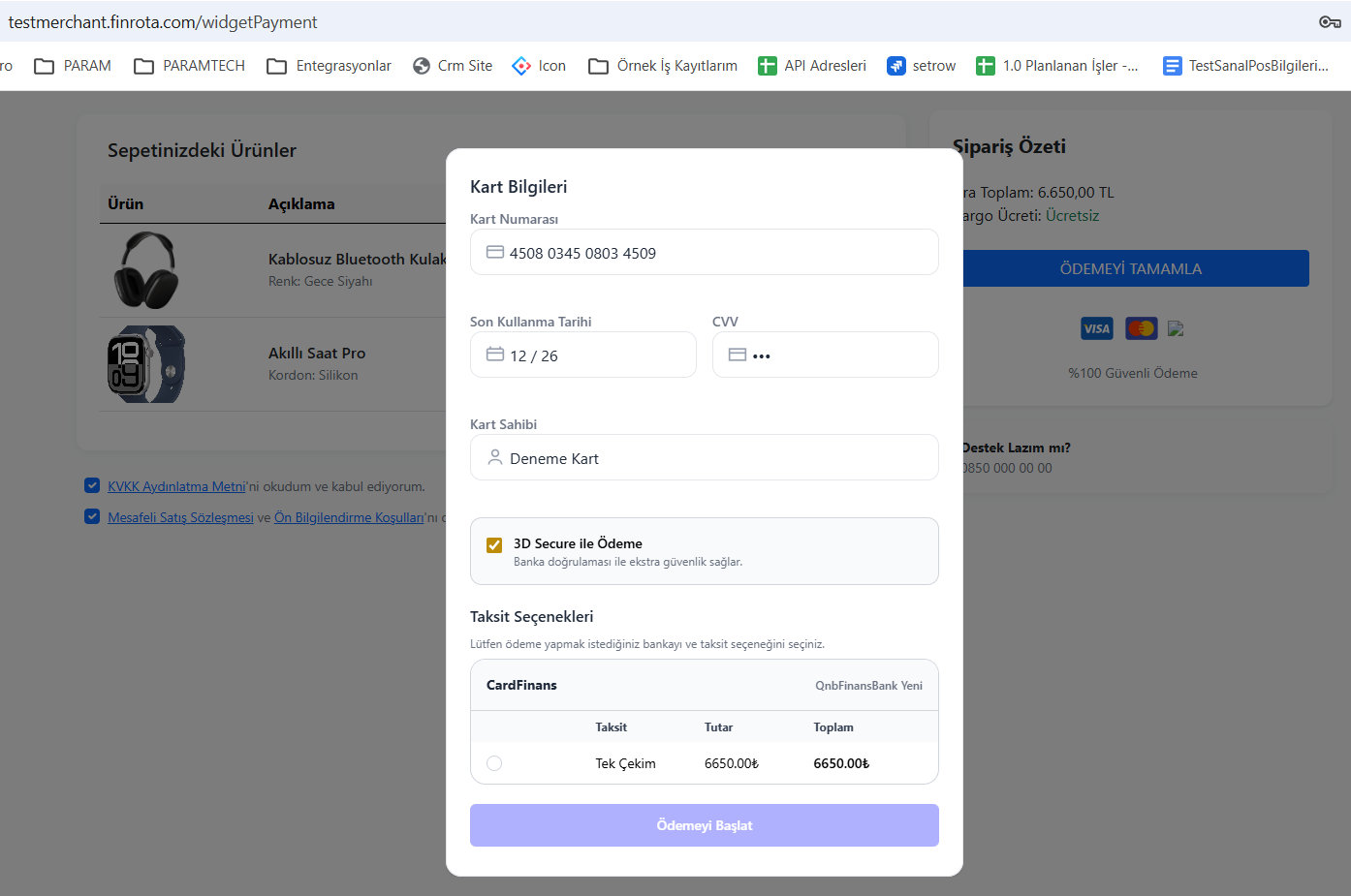
5 – User Enters Card Information (Widget UI)
6 – Widget PreparePayment Call (Internal)
widget when user presses payment button
- POST /b2c/widget/preparePayment
makes the call and
- Card information
- Selected installment (installmentToken)
forwarded to Finrota
As a result of this step
→ prepareToken is created
7 – onSuccess Event is Triggered (Frontend)
onSuccess(data) {

// payment ready

}
this event
- Does not mean that the payment has been completed
- Only indicates that the payment request is ready
8 – Request to Merchant Backend
The frontend sends the following information to its backend:
| Area | Description |
|---|---|
| prepareToken | Token created for payment |
| amount | Transaction amount |
| other metadata | order information etc. |
9 – Payment Endpoint Called (Backend)
Merchant backend
- POST /b2c/widget/payment
- Authorization: Bearer
{AccessToken}
makes the call
10 – Payment Result
3D Secure Scenario
Response
{

"paymentType": "RedirectUrl",

"redirectTo": "3D\_URL"

}
Flow
- Frontend → redirects the user
- Bank → OTP verification
- User → returns to
returnUrl
Scenario without 3D
{

"paymentType": "DirectSale",

"success": true

}
→ Payment is completed directly